Your maintenance calendar,
on your phone.
Activating your septic tank every week, treating your rainwater tank every two months: nobody remembers. We put the reminders in your calendar, all you have to do is follow them.
- A reminder at the right time, without having to think about it
- Works with iPhone, Android and Google Calendar
- No sign-up, and nothing to pay
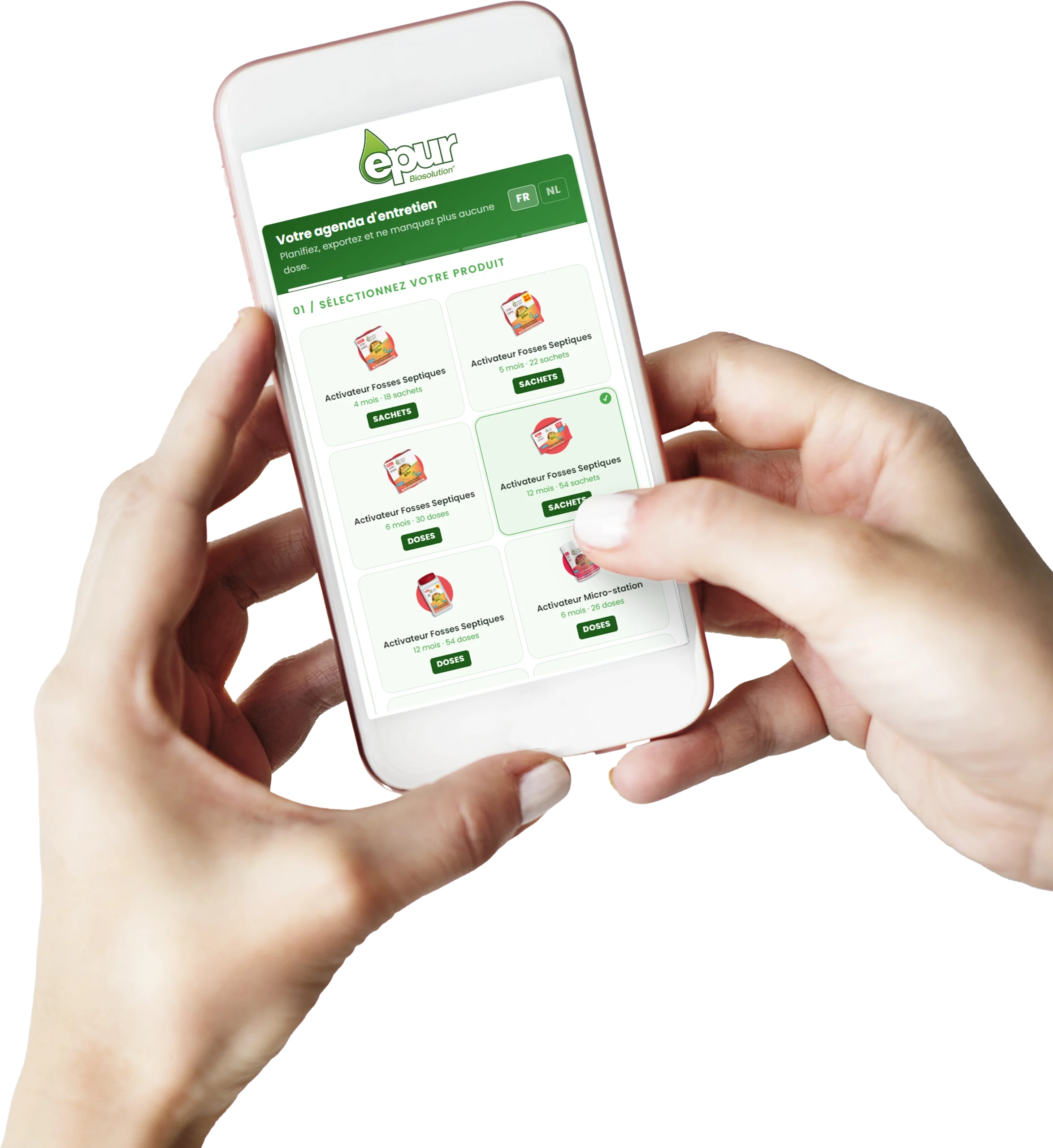
Three minutes, once
You choose your product, we work out the dates, your calendar does the rest.
Choose your product
Activator in sachets, in doses, micro-treatment plant: the format you bought sets the rhythm of the doses.
Enter the start date
The day you added the first dose, or the day you plan to. We build the calendar from there.
Add to your calendar
A file opens in your calendar app and adds all the reminders in one go. You can delete them whenever you like.
Create my calendar
No data is stored: the file is generated in your browser.
Do I need to create an account?
No. You fill in the form, you get a file, and that is it. We keep neither your email address nor your dates.
Which calendars does it work with?
With any calendar that reads the .ics format: the iPhone calendar, Google Calendar, Outlook and most Android apps.
How do I delete the reminders later?
Like any other appointment in your calendar: open one and choose to delete the whole series.